


Buying a car doesn’t have to mean wasting weekends jumping from dealership to dealership or scrolling endlessly through online listings. Car shopping apps have made everything easier. From browsing vehicles and messaging sellers to handling paperwork, all of it can happen in one place—right from your phone. The key is knowing how to make it work for you.
Once you get familiar with the tools and features, a used car buying app can help you move faster, dodge headaches, and stay on track. Whether you’re buying your first car or looking for a specific make and model, using an app helps save time and avoid stress. Here’s how to take control of your next car search without getting overwhelmed.
Getting Started With Your Used Car Buying App
Before diving into listings or messaging sellers, it’s worth taking a few minutes to set up your account the right way. A proper setup helps the app pull listings that match what you actually want and need.
Here’s a walk-through of the basic steps:
- Download and install the app on your smartphone or tablet. Most apps are available in both Google Play and the App Store. Make sure yours is up to date.
- Create your profile. You’ll need to enter an email or phone number. Some apps may ask you to verify your identity which can give you access to added security features. This step might seem small, but it can make a big difference later.
- Set your preferences. Choose your location, budget, car type, and mileage limits. The app uses this info to filter search results so you’re not wasting time with listings that don’t match your goals.
- Turn on notifications. If allowed, set alerts for new listings or seller messages so you don’t miss anything important.
After setting up your profile, spend some time getting familiar with the app’s layout. Look for tabs like “Search,” “Saved,” “Messages,” and “Profile.” Most companies keep their apps clean and easy to use, but it helps to know where everything is ahead of time.
One car buyer skipped adding her zip code and ended up seeing listings from hundreds of miles away. After correcting that small detail, she got results from her own area and found a great car just 15 minutes from home. It’s the little setup steps like that that shape how helpful the app will be.
If the app highlights safety features like ID checks or secure messaging, take mental note of where those are. You’ll want to know how to access them later when it’s time to connect with someone about a car.
Searching For The Perfect Used Car
Now comes the part most buyers look forward to—finding the right car. But even with the best app, it’s possible to lose track if you don’t organize your search. The trick? Use the filters and tools to your advantage.
Start with these filters:
– Price range: Set a max budget that fits your situation.
– Distance: Narrow results down by using your zip code or selecting a mile radius.
– Make and model: If you already have a car in mind, lock in the exact name to cut through extra listings.
– Mileage and year: Consider how long you plan to drive the car and adjust year and mileage settings to reflect that plan.
As you scroll, tap on listings that stand out. Check for photos that show the full vehicle—interior and exterior. Good sellers post multiple angles and closeups of key features, like the dashboard, tires, and engine.
Read the descriptions carefully. Listings that mention service history, reason for selling, or recent upgrades often give more peace of mind. A seller who takes time to include details in the description is usually serious and organized.
Use the save tool—many apps have a heart icon or save button—so you can keep your favorite listings in one spot. You’ll be able to check back later or compare options side by side. Some apps also let you turn on alerts for similar cars. This will help you stay on track even if your top choice sells before you make a move.
Contacting Sellers And Setting Up Meetings
Once you find a few solid choices, the next step is reaching out to sellers. Most apps include built-in chats which means your phone number and email stay private while still letting you ask questions or plan meetups.
Start with a short and polite message. Mention the specific listing so it’s clear what you’re asking about. Something like, “Hi, I came across your 2018 Ford Escape. Is it still available?” shows interest but doesn’t overwhelm the seller.
When they reply, keep the conversation friendly but focused. Here are some common things to ask:
– How long the car’s been listed
– If there are any mechanical issues or recent repairs
– The actual reason they’re selling
– Whether the title is clean and in their name
If the seller responds well and the car still seems like a good fit, suggest meeting for a test drive. Some apps include tools to pick a time, but if not, you can arrange one through messages. Always choose a location with good lighting and visibility—places like grocery store parking lots or bank lots with cameras are smart options. Try to bring someone with you when possible.
One buyer contacted a seller right after seeing a great listing. During the chat, she learned about damages that weren’t shown in the pictures. She was thankful she asked questions first and avoided a long trip for a car that didn’t meet her expectations. Conversations like these help save time and avoid mistakes.
Completing The Purchase Securely
After a test drive and a close inspection, you might feel ready to make a deal. But don’t move forward without looking into the car’s background. A simple vehicle history report can reveal any past accidents, service gaps, or title issues. Some apps connect directly to these reports or let sellers upload them.
When it’s time to pay, try to complete the deal inside the app if that option is offered. In-app payments offer more protection and keep both sides accountable. Avoid off-platform transfers or cash deals if you can’t verify the vehicle first.
No matter how friendly the seller seems, always complete the paperwork properly. If the app helps with that step, use its bill-of-sale feature. Before handing over any money or signing anything, double-check:
– The VIN on the car matches what’s on the title
– The title is in the seller’s name and not marked “salvage” or “rebuilt” unless stated up front
– Every line and signature section is completely filled out
Hold onto copies or take photos of all documents just in case you need them later. DMV visits go smoother when nothing is missing.
Your Smooth Ride Starts with the Right App
Shopping for a car using an app puts you in charge. With fewer complications and more control, it makes the search feel less stressful and more efficient. From account setup to search filters to secure payments, the right steps lead to a safer and better transaction.
Set up your user profile carefully and use the app features to sort through choices that match your needs. Be clear and calm when chatting with sellers. Ask the questions that matter before you leave home. And when you’re ready to buy, stick to using the tools built into the app for paperwork and payments.
Taking time upfront helps bring better results later. A little preparation can lead to finding the right car at the right time without extra worry. Whether it’s your first car or your next one, using a solid car shopping app makes everything run more smoothly from start to finish.
When you’re ready to find your next vehicle, using a used car buying app can make the process faster and less stressful. It simplifies your search, keeps your information secure, and helps you handle every step without leaving your phone. Start exploring now with PrivateAuto and discover a smarter way to connect with sellers and close your deal with confidence.
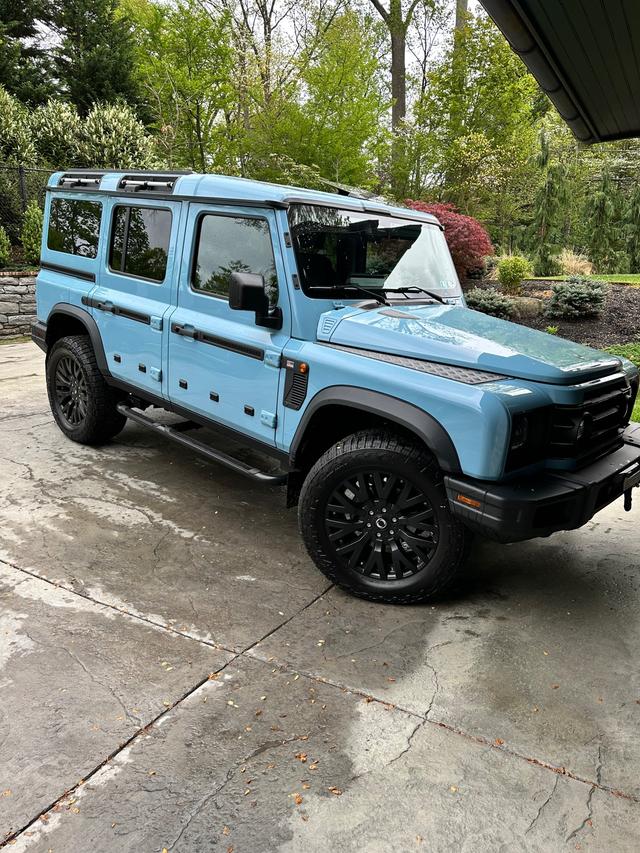
2024 INEOS Grenadier
Base • 3,300 miles
Ardmore, PA
$75,000

2024 INEOS Grenadier
Base • 4,200 miles
Bedford, VA
$74,000
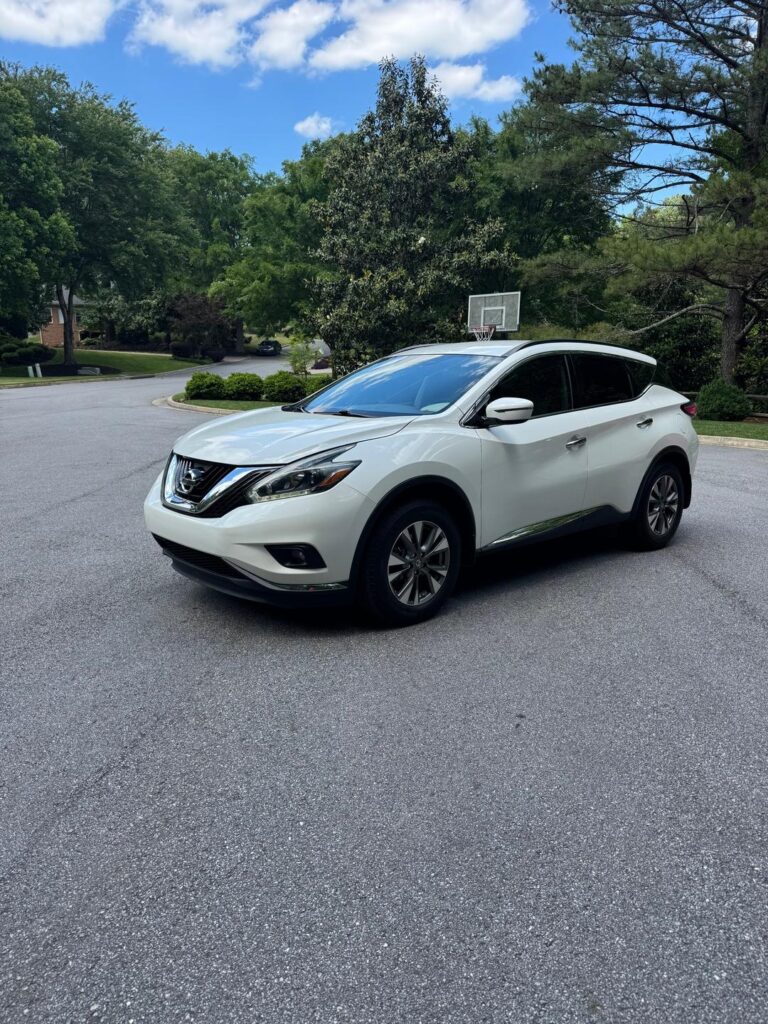
2018 Nissan Murano
Platinum • 78,500 miles
Atlanta, GA
$15,750
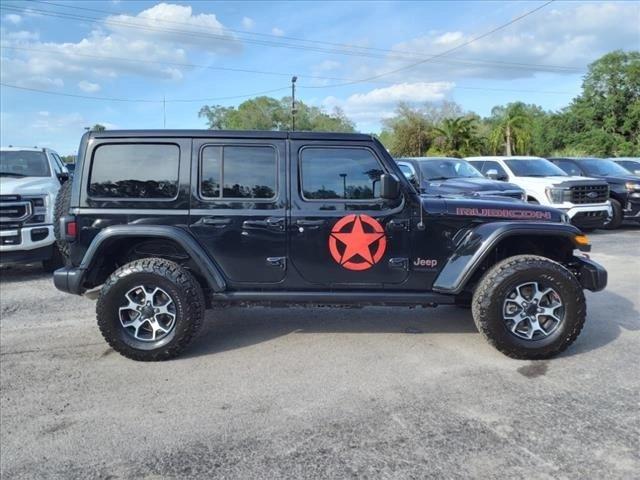
2022 Jeep Wrangler
Unlimited Ru • 41,235 miles
Ormond Beach, FL